
Automation
Choose your first automation
Choose one repeated task with a clear trigger, known inputs, a reviewable output and an accountable owner. Test its exceptions and operating effort before expanding the workflow.
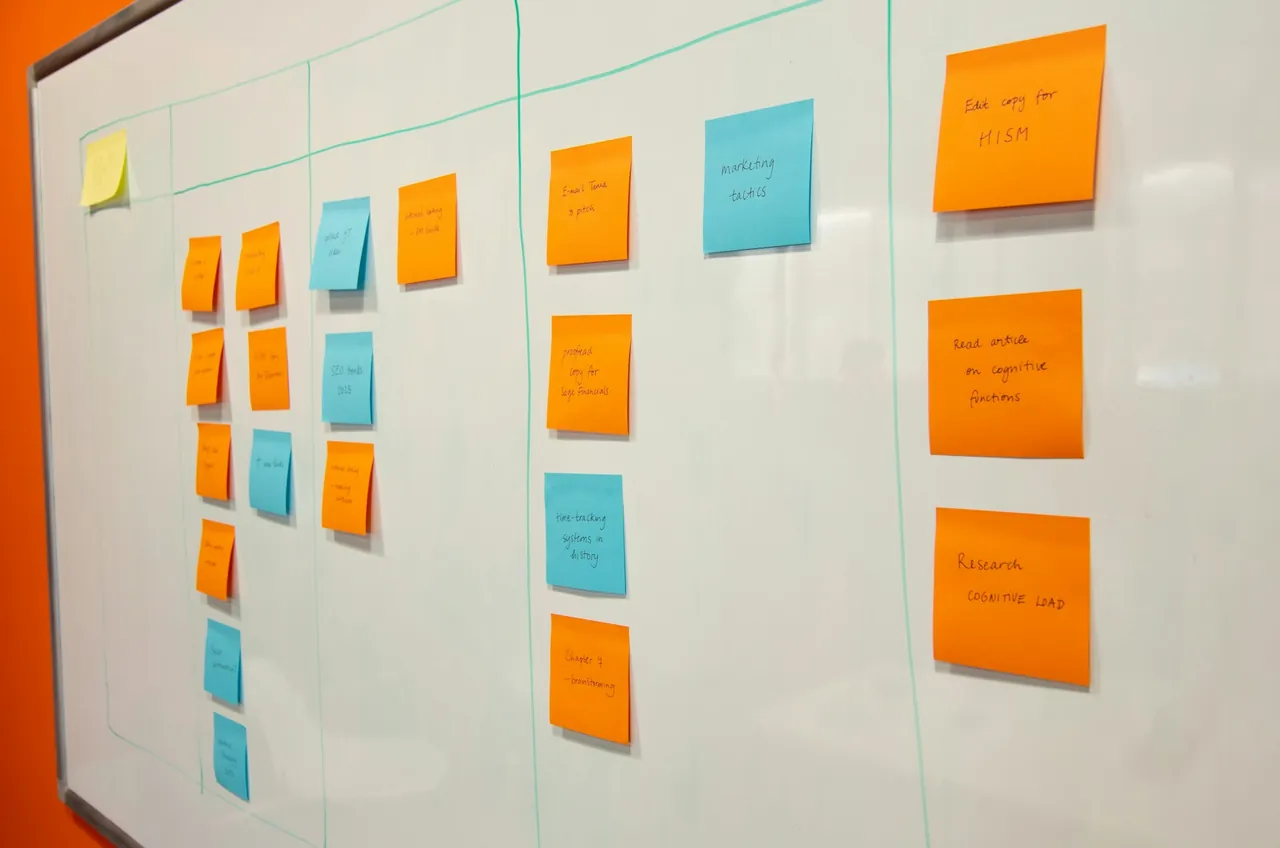
List repeated tasks before choosing a tool
Look for work that is described the same way each time: collecting details from an inquiry, moving approved information between tools or preparing a draft from known material. Record how often it occurs and where people spend effort. Use your own observations rather than assuming a tool will create a particular saving.
Map the complete path
Write down the trigger, source information, systems, handoffs and desired output. Include missing information, duplicate requests and delays. A task that looks simple in its best case can require judgment when something is incomplete. Decide which of those exceptions should stop the workflow.
Separate rules from interpretation
Use defined rules when the required action is clear. Consider AI only when interpreting or preparing material is useful and its output can be checked. For example, routing a complete form by a selected service may need no AI; drafting a summary from free text introduces a different review requirement.
Keep approval where consequences matter
Specify who reviews a result and which actions wait for that review. Approval steps can be part of a workflow: Microsoft’s documentation shows flows that wait for an approver’s response. The presence of an approval control does not replace your own decision about what information the reviewer needs.
Test failure and recovery
Try representative cases, including an unavailable tool, an expired permission, missing input and a duplicate event. Record what is retried, what stops and how an owner is notified. Make sure there is a manual way to finish the task and a documented way to disable the automation.
Evaluate the work that remains
Compare the workflow with the original process using your own observations: output quality, exceptions, review effort and time spent maintaining it. Account for software costs and ownership. Expand only when the team understands the result and can operate it reliably.
A bounded first workflow
A website inquiry arrives, its details are organized into a draft record, and the owner reviews the summary before any reply is sent. Missing contact details go to a manual queue. The workflow assists with preparation while the customer conversation remains with the team.
Checklist
- A clear trigger and desired output.
- Known tools, permissions and source information.
- An owner for review and exceptions.
- A way to compare the result with the current process.